



How to Add Styled Text and Captions to PNG Images Online
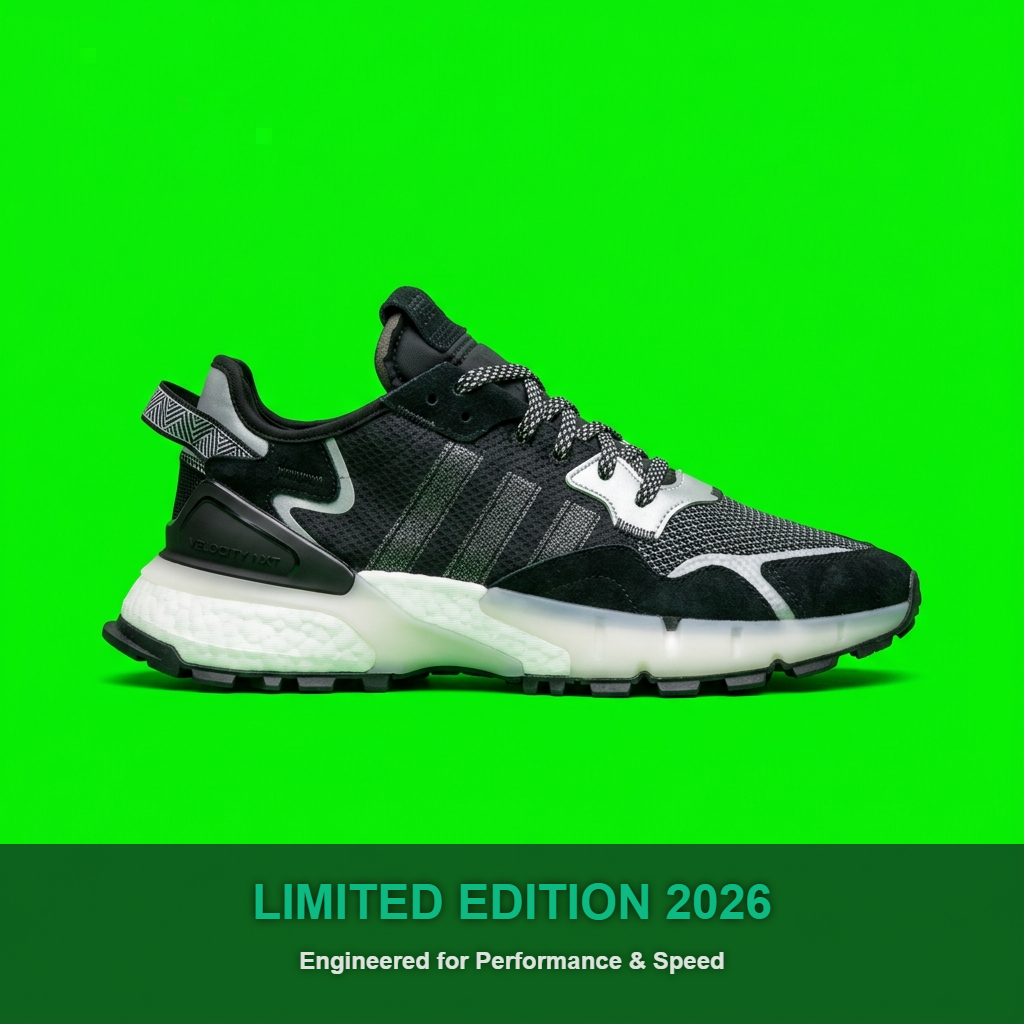
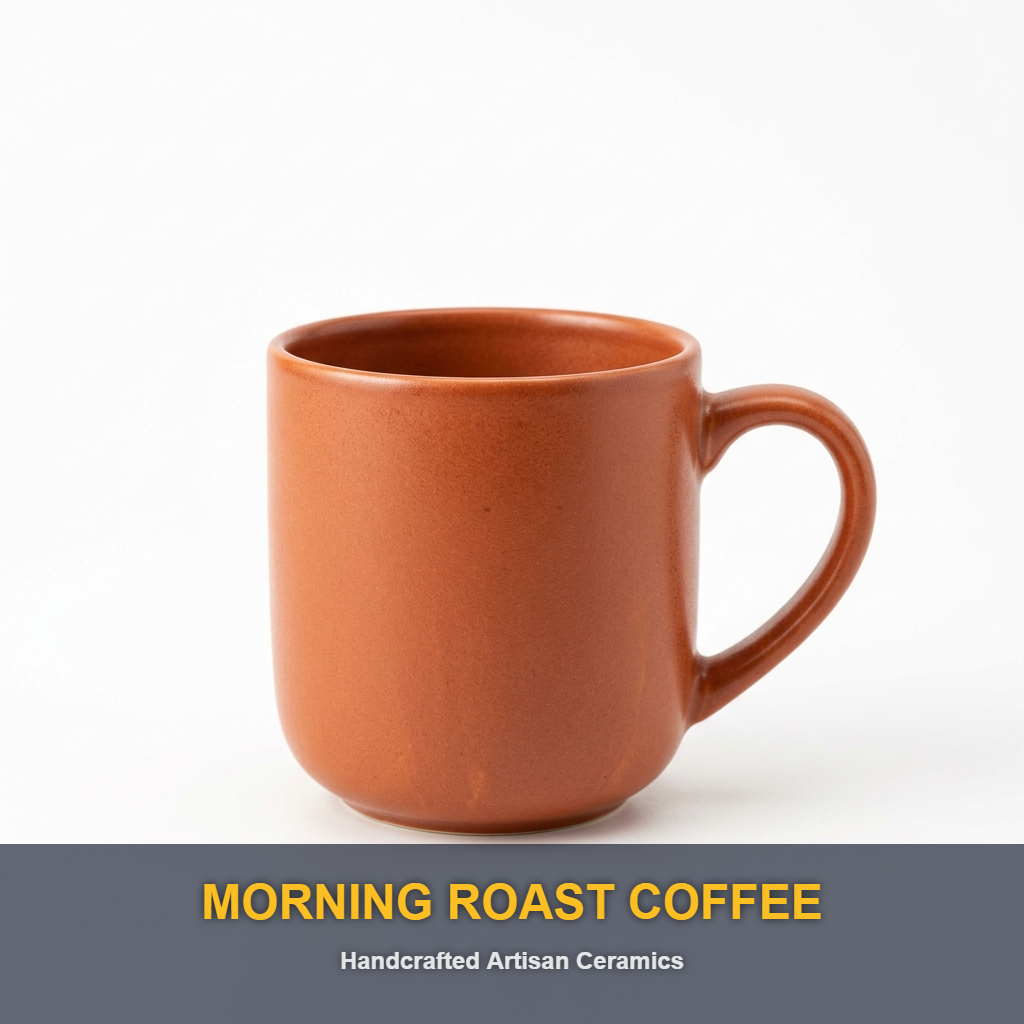
Adding text overlays to images is one of the most fundamental tasks across digital publishing. Content creators need to stamp video thumbnail headlines, digital marketers annotate product promotions with price tags, and social media users craft viral memes with punchy captions. However, opening heavy desktop photo editors like Photoshop just to write a simple sentence on a transparent PNG graphic is slow and cumbersome.
SmallPNGTool provides an instant, responsive in-browser canvas typography engine. You can write single or multi-line messages, pick custom font families, tune stroke outlines to guarantee readability against busy backgrounds, and position your text precisely without ever uploading your files to remote servers.
- Select Image: Drag and drop your PNG or WebP file into the generator box above.
- Input Message: Type your title, handle, or caption into the text box.
- Customize Typography: Pick your font family (such as Impact / Bold Meme or Modern Sans-Serif) and adjust the font size slider.
- Enable Outline Stroke: Add a 2px to 4px black outline around white text to ensure maximum contrast regardless of whether your image is light or dark.
- Download Output: Click 'Download PNG with Text' to export the customized graphic with full native resolution and preserved alpha transparency.
The Golden Rule of Legibility: Why Text Stroke Outlines Matter
A common problem when writing text on images is that the background beneath the text changes hue—for instance, dark text disappears over dark shadows, while white text vanishes across sky highlights.
White Text with Black Outline (Universal Contrast)
The classic meme format formula. Because pure white (#FFFFFF) is framed by a 3px dark stroke (#000000), the text remains 100% legible over any background color, photographic pattern, or complex transparent gradient.
Monochrome Minimalist (Clean Brand Badging)
Set stroke outline to 0px and choose subtle charcoal or off-white tones for high-end portfolio stamps, author signatures, and editorial magazine typography.
Font Families & Best Recommended Use Cases
| Font Category | Visual Personality | Recommended Use Case | Ideal Positioning |
|---|---|---|---|
| Modern Sans-Serif | Clean, neutral, corporate | Product labels, website banners, UI notes | Center or Bottom Caption |
| Impact / Bold Meme | Loud, commanding, punchy | Internet memes, YouTube video thumbnails | Top Header & Bottom Caption |
| Classic Serif | Authoritative, literary, timeless | Book covers, certificates, formal quotes | Center |
| Cursive Handwritten | Personal, friendly, organic | Greeting cards, signature watermarks | Bottom-Right Corner |
Zero Cloud Storage: In-Browser Hardware-Accelerated Fonts
Unlike online design SaaS platforms that track your uploads or require paid subscriptions to remove watermarks, SmallPNGTool is 100% free, private, and runs entirely on your local machine. Text is drawn onto your image bitmap using your operating system's native vector typography rasterizer inside HTML5 Canvas. Your sensitive documents, proprietary ads, and creative assets never leave your computer.
Frequently Asked Questions
Will adding text erase or alter the transparent areas of my PNG?
No! The text glyphs are rendered on a composite layer over your existing graphic. All background areas that were transparent remain 100% transparent in the exported file.
Can I write multi-line text with line breaks?
Yes! Simply press Enter in the text area to create a new line. Our engine automatically measures text height and spaces each line with balanced line-height typography.
Are my images uploaded to any remote server?
Never. SmallPNGTool performs all rendering operations locally in your browser. Your images and text remain confidential on your device.
Can I download the image with a transparent background after adding text?
Yes! SmallPNGTool preserves the transparent background of your source PNG. The text is rendered directly into the transparent canvas without adding any solid background.