
Why 1:1 Square Images are Mandatory for E-Commerce Marketplaces
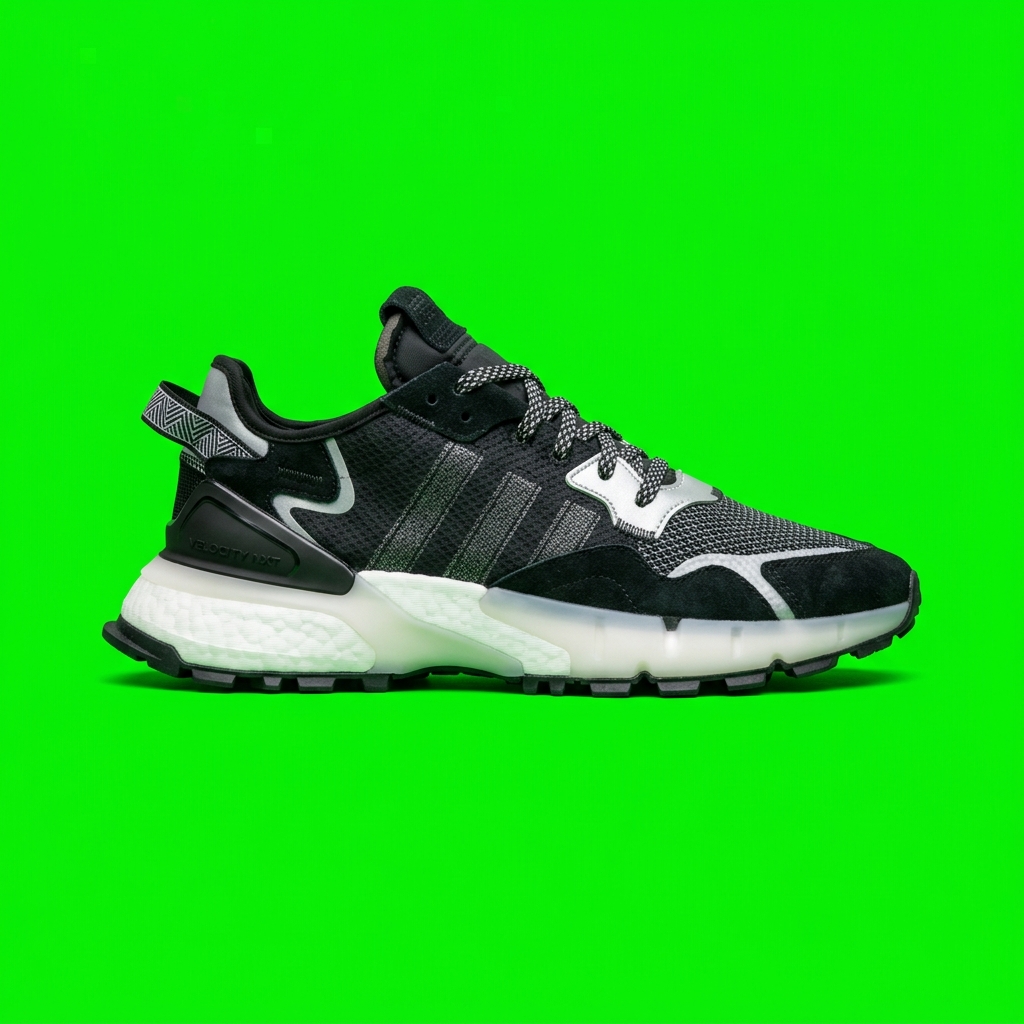
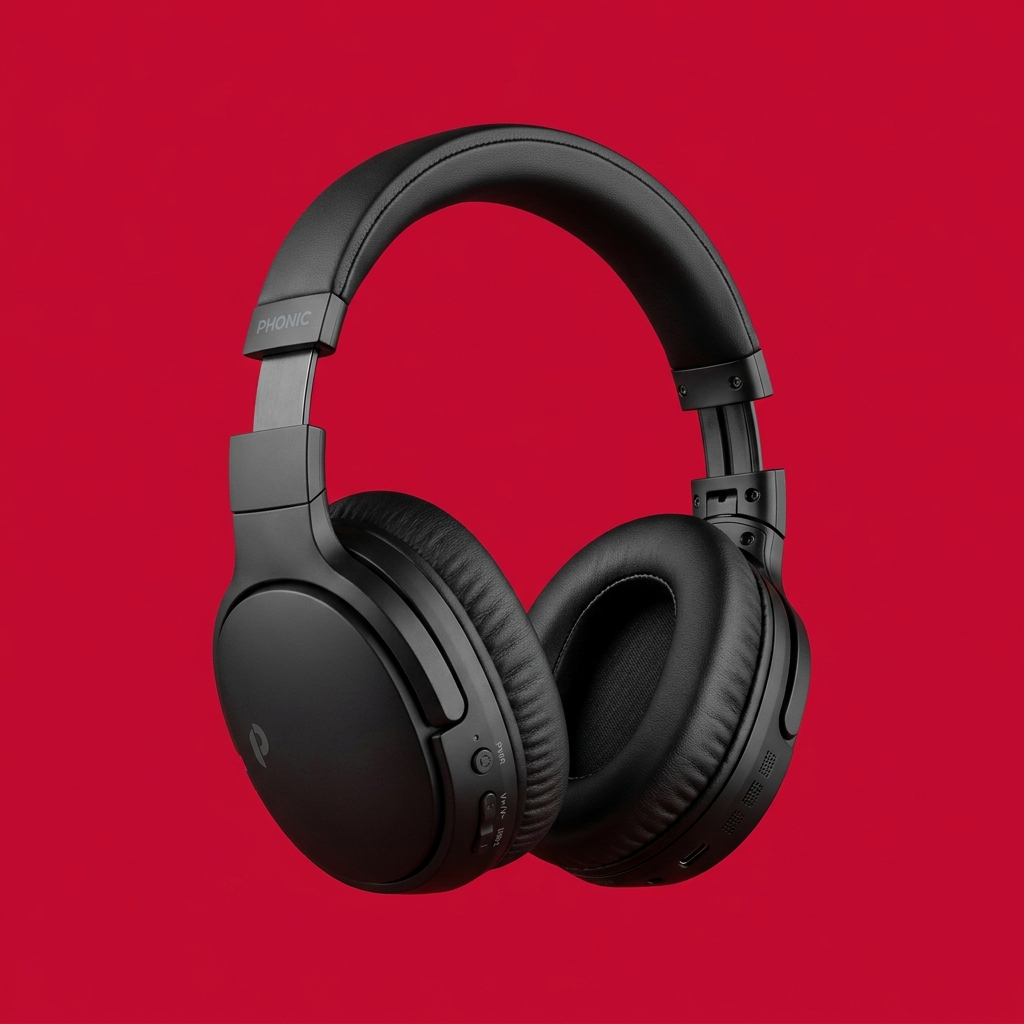
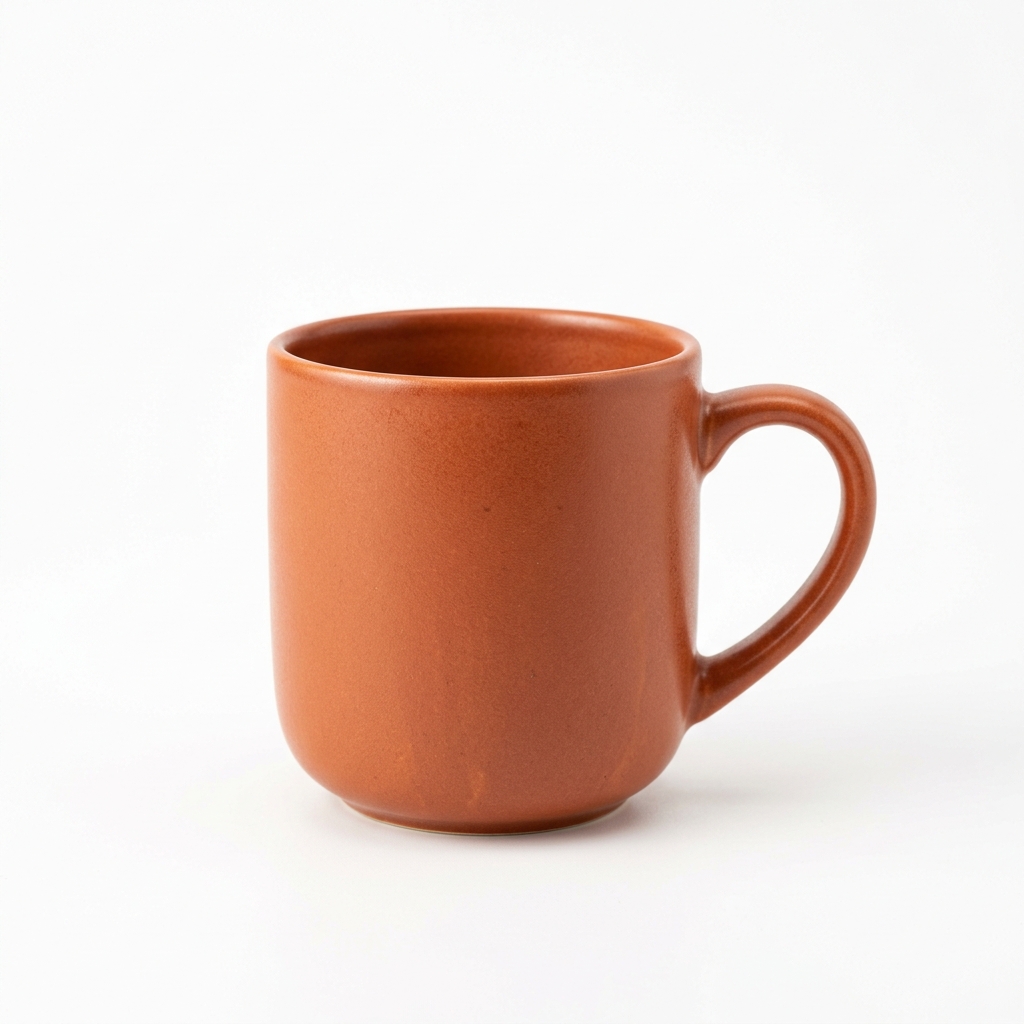
Leading digital retail platforms—including Shopee, Tokopedia, Amazon, Lazada, eBay, and Shopify—strictly enforce a 1:1 square aspect ratio for primary product listing thumbnails. When sellers upload rectangular photos (taken in standard 4:3 or 16:9 smartphone camera formats), marketplace engines either forcefully crop off crucial parts of the merchandise or stretch the product vertically and horizontally, making products look unnatural and severely dampening buyer trust.
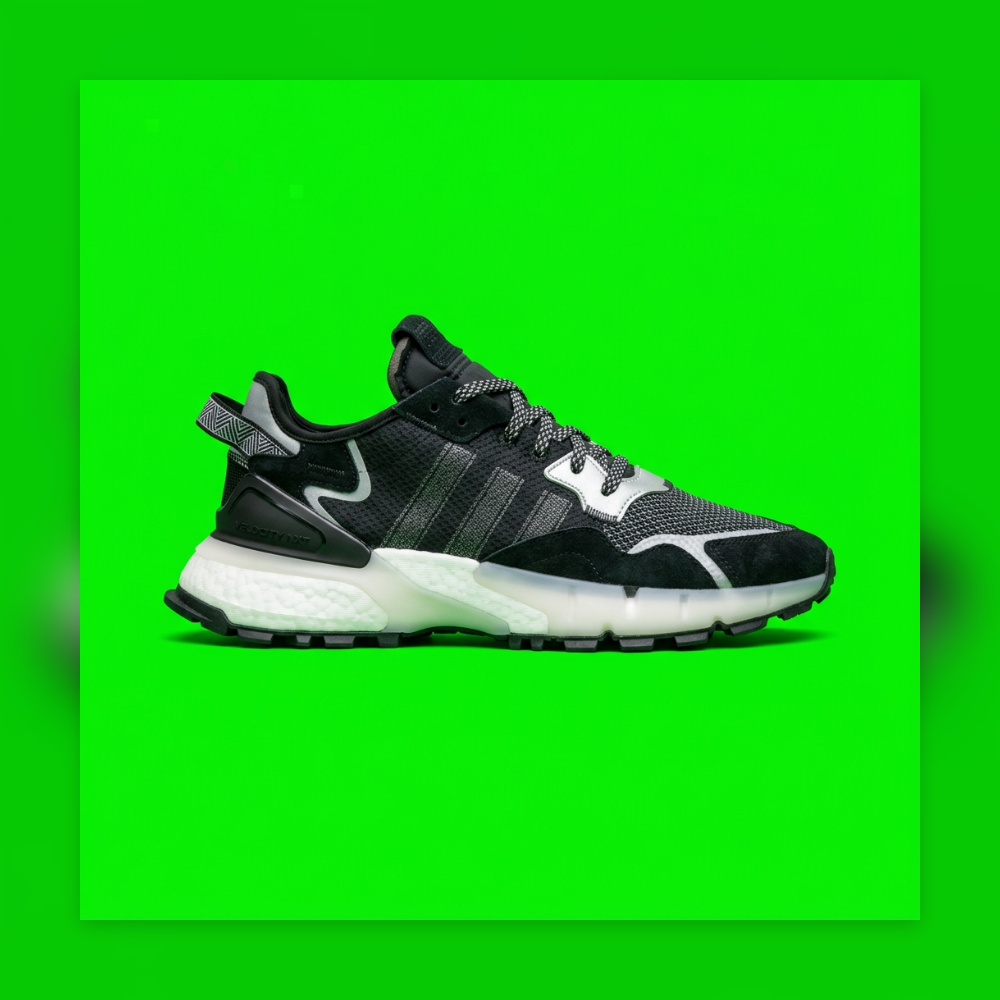
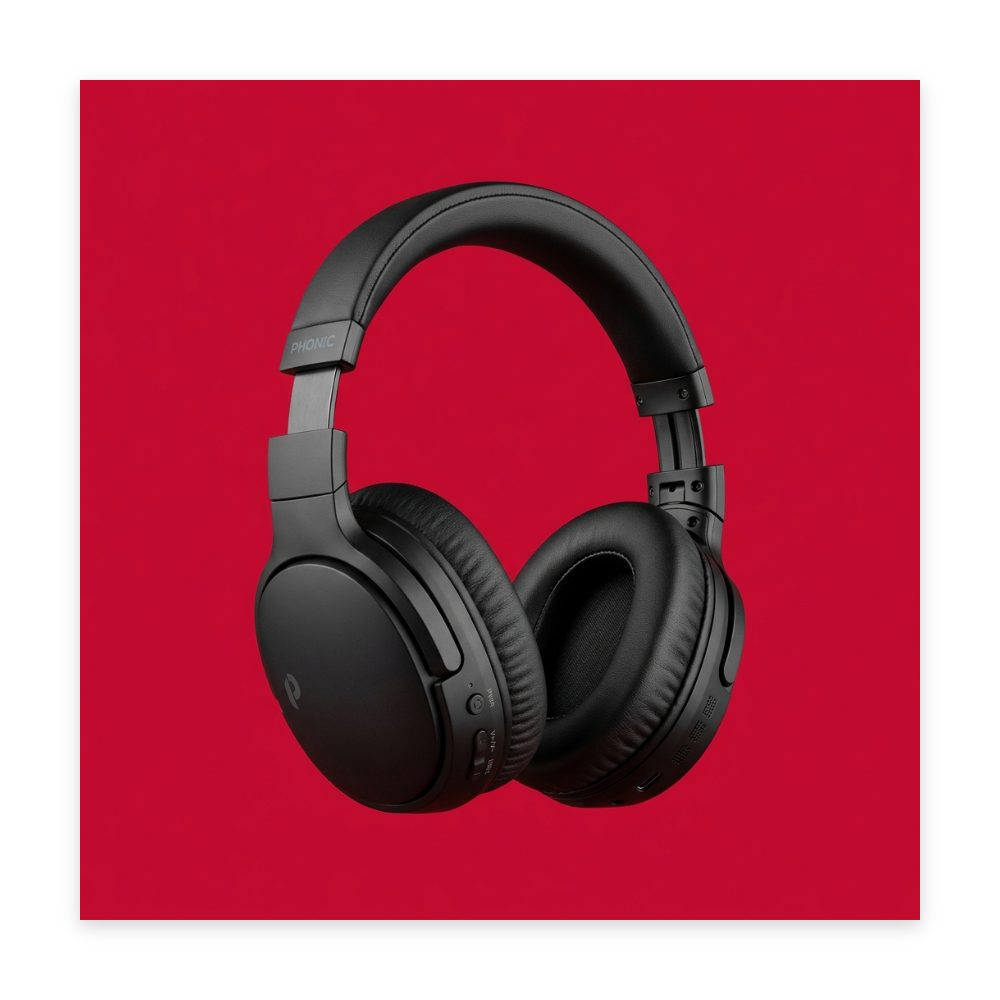
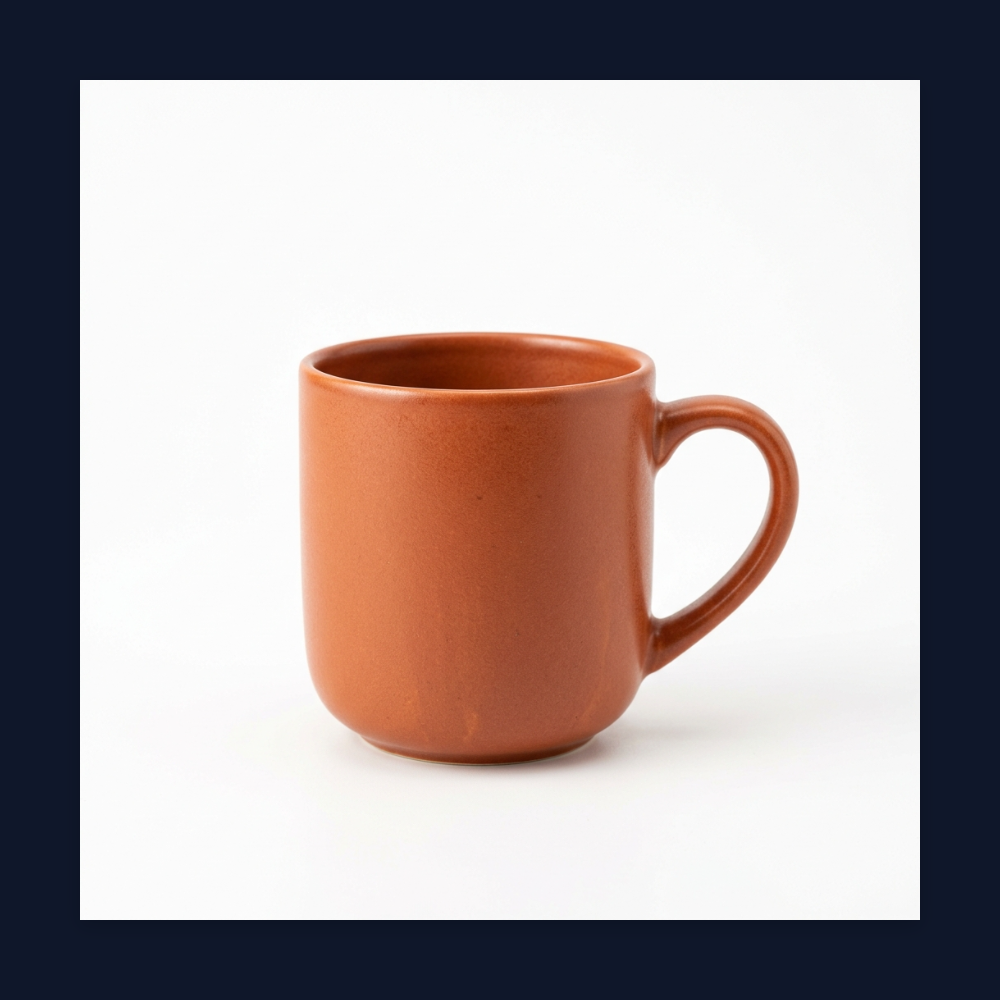
With SmallPNGTool's Square Image Fitter, you preserve 100% of your product's original aspect ratio and clarity. Our algorithm automatically positions your item centered within a mathematical 1:1 square canvas, padding the empty flanks with pure white, transparency, or aesthetic blur.
E-Commerce Marketplace Product Photo Dimension Standards
| Marketplace / Platform | Recommended Size | Aspect Ratio | Background Policy |
|---|---|---|---|
| Shopee | 800 × 800 px (Min 500 × 500) | 1:1 Square | Solid white or clean neutral background recommended |
| Tokopedia | 1000 × 1000 px | 1:1 Square | Pure white (#FFFFFF) for main featured photo |
| Amazon | 1000 × 1000 px to 2000 × 2000 px | 1:1 Square | Strict pure white RGB (255, 255, 255) required |
| Instagram Feed | 1080 × 1080 px | 1:1 Square | Smart blur or solid color padding aesthetic |
| eBay | 1600 × 1600 px | 1:1 Square | White or light gray with no borders or watermarks |
Which Background Option Should You Use?
⚪ Pure White Background
Mandatory for primary Amazon and Tokopedia listing slots. Products blend cleanly into marketplace white catalog backdrops.
✨ Smart Blurred Background
Popular on Instagram and social storefronts. Automatically duplicates and blurs your image into the side bars for an organic, editorial aesthetic.
🏁 Transparent Background
Exports as a 32-bit transparent PNG. Ideal for graphics designers creating composited mockups, product badges, and website banners.
Frequently Asked Questions (FAQ)
Will making my photo square reduce its image resolution?
No. Our tool uses high-quality bicubic canvas interpolation. If you select "Match Max Side", your image retains 100% of its original pixel resolution without downscaling.
Are my commercial product images uploaded to your server?
No. All image padding and rendering occurs locally inside your web browser via HTML5 Canvas. Your proprietary catalog images are never uploaded or stored on any external server.
Why do e-commerce marketplaces require 1:1 square product images?
Marketplaces like Shopee, Tokopedia, Amazon, and eBay use uniform square display grids. Non-square photos get cropped awkwardly or padded with inconsistent borders. Using 1:1 fitted photos guarantees your full product is visible in search listings.
Can I export the padded square canvas with a transparent background?
Yes! You can choose between a solid white background, custom hex color, aesthetic blurred backdrop, or a 100% transparent PNG canvas to maintain product cutout flexibility.