
Why True Irreversible Pixel Redaction Matters for Digital Privacy
Sharing screenshots, invoice documents, medical receipts, identification cards, and personal photographs online poses severe data security risks if sensitive metadata and personal identifiable information (PII) are not permanently obscured. In modern social media and workplace communication, millions of graphics are exchanged daily containing residential addresses, phone numbers, credit card numbers, license plate tags, and faces of minors.
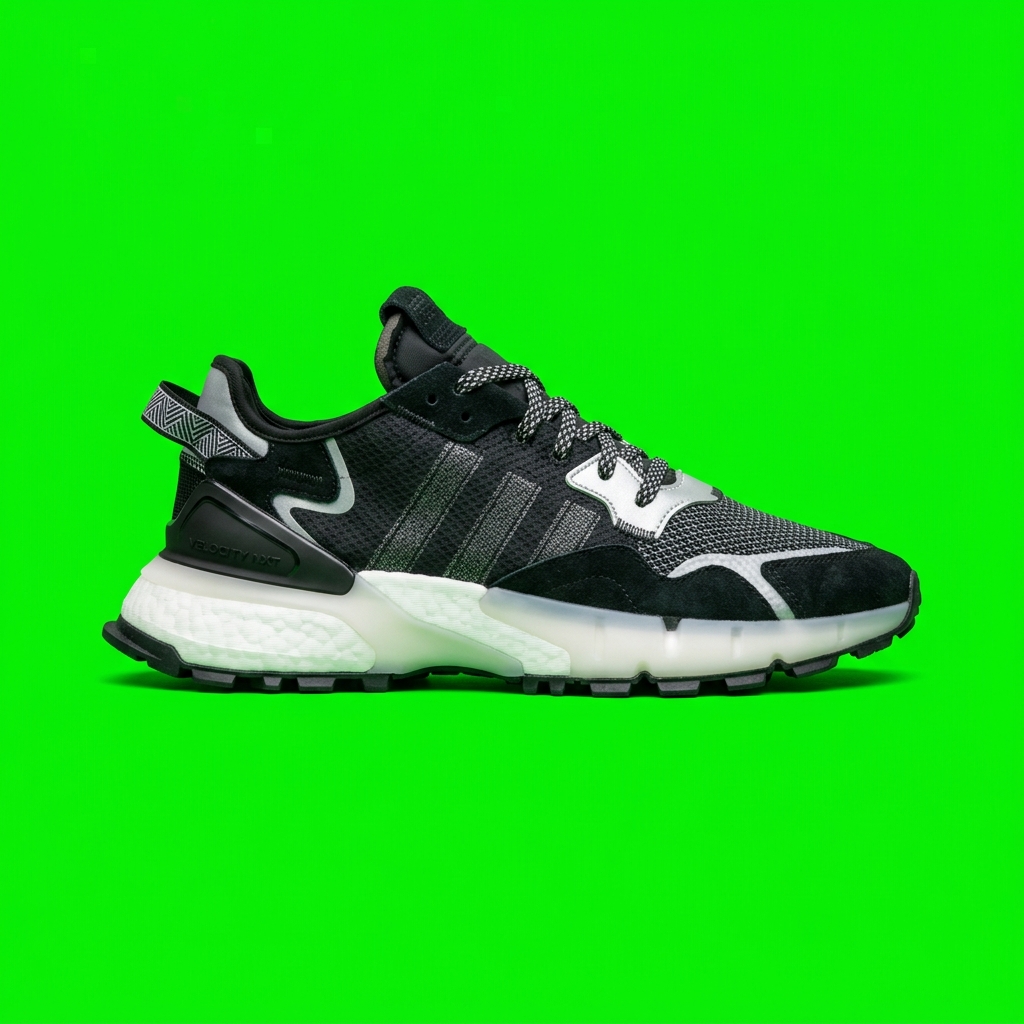
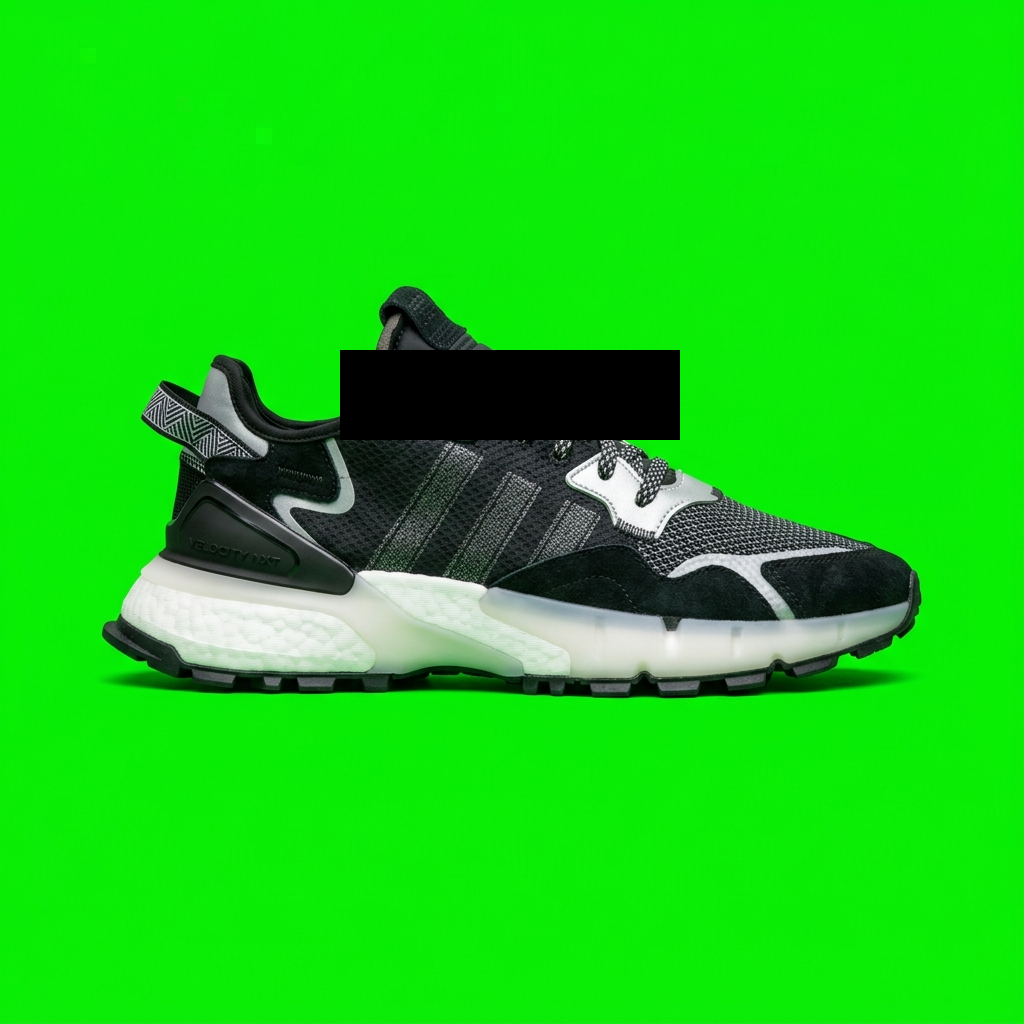
A widespread and dangerous mistake made by users is utilizing semi-transparent highlighter pens or digital overlay stickers inside standard smartphone markup tools. In many mobile operating systems, digital marker strokes only add an alpha layer or vector metadata that can easily be stripped, inverted, or lightened by forensic image tools to reveal the underlying text. True permanent redaction—as performed by SmallPNGTool—flattens and permanently overwrites the raw RGB raster pixel data inside your browser sandbox. The original bytes beneath the black bar or mosaic block are mathematically obliterated and cannot be recovered by anyone.
When and What to Censor in Digital Images
Applying privacy redaction ensures compliance with global privacy regulations (such as GDPR, CCPA, and HIPAA) across everyday scenarios:
- Financial & Banking Documents: Redact account numbers, CVV security codes, and monetary transaction totals on bank statements and receipt screenshots before sharing with accountants.
- Identity & Government IDs: Black out social security numbers, passport barcode blocks, and personal signature lines when submitting identity verifications to third parties.
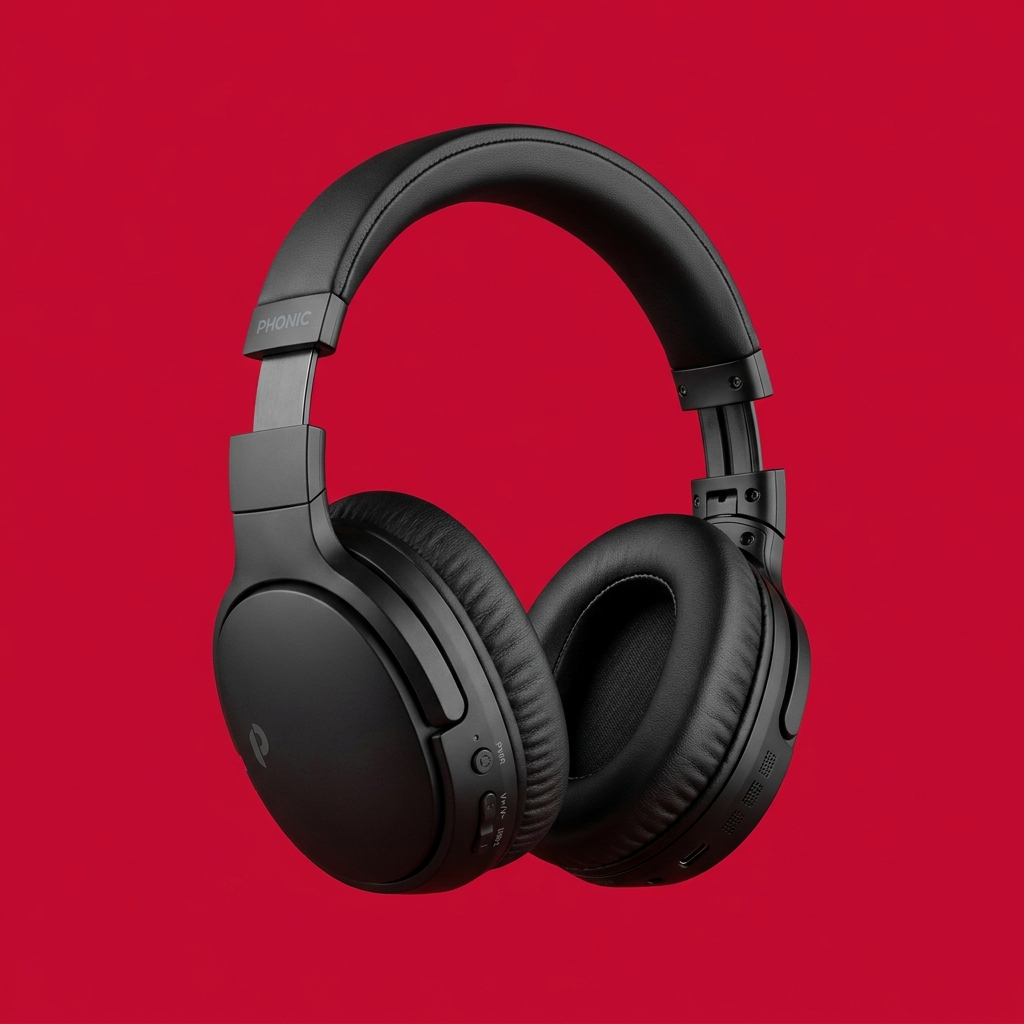
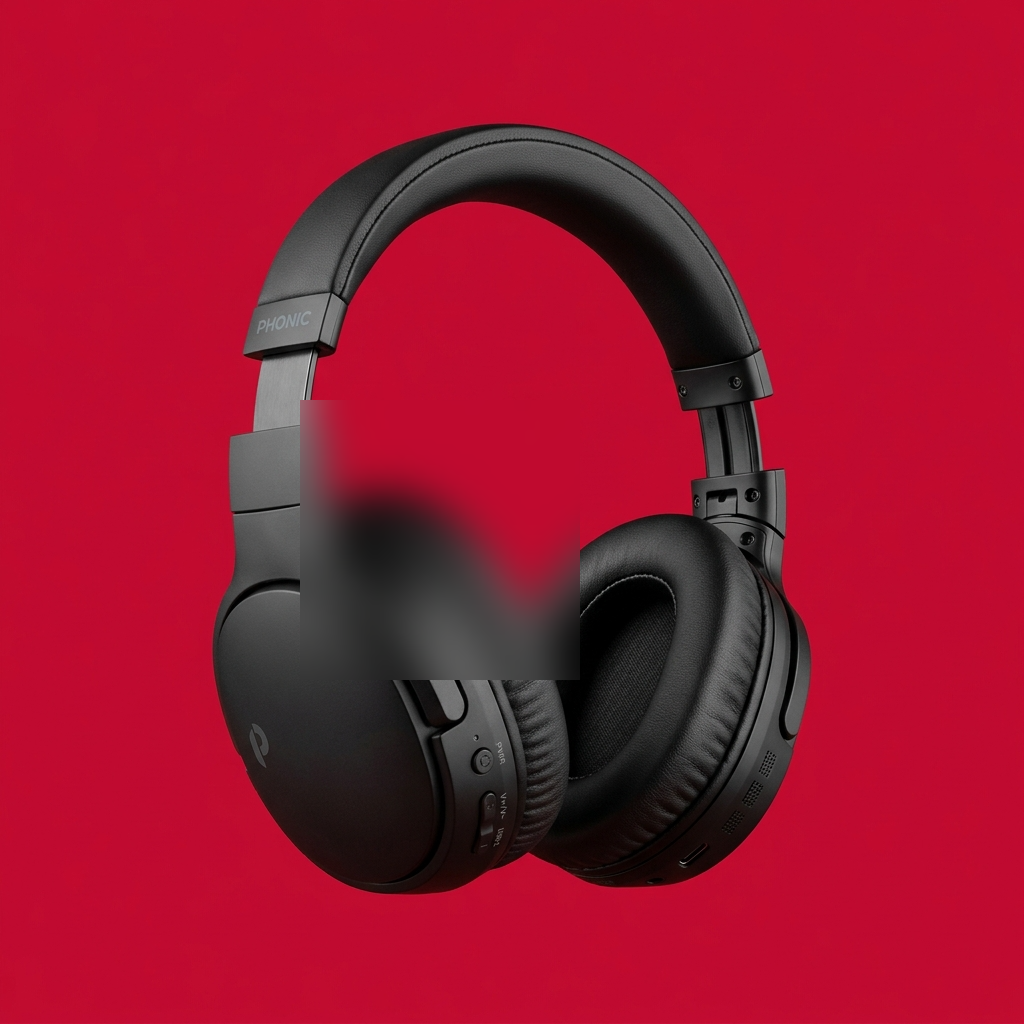
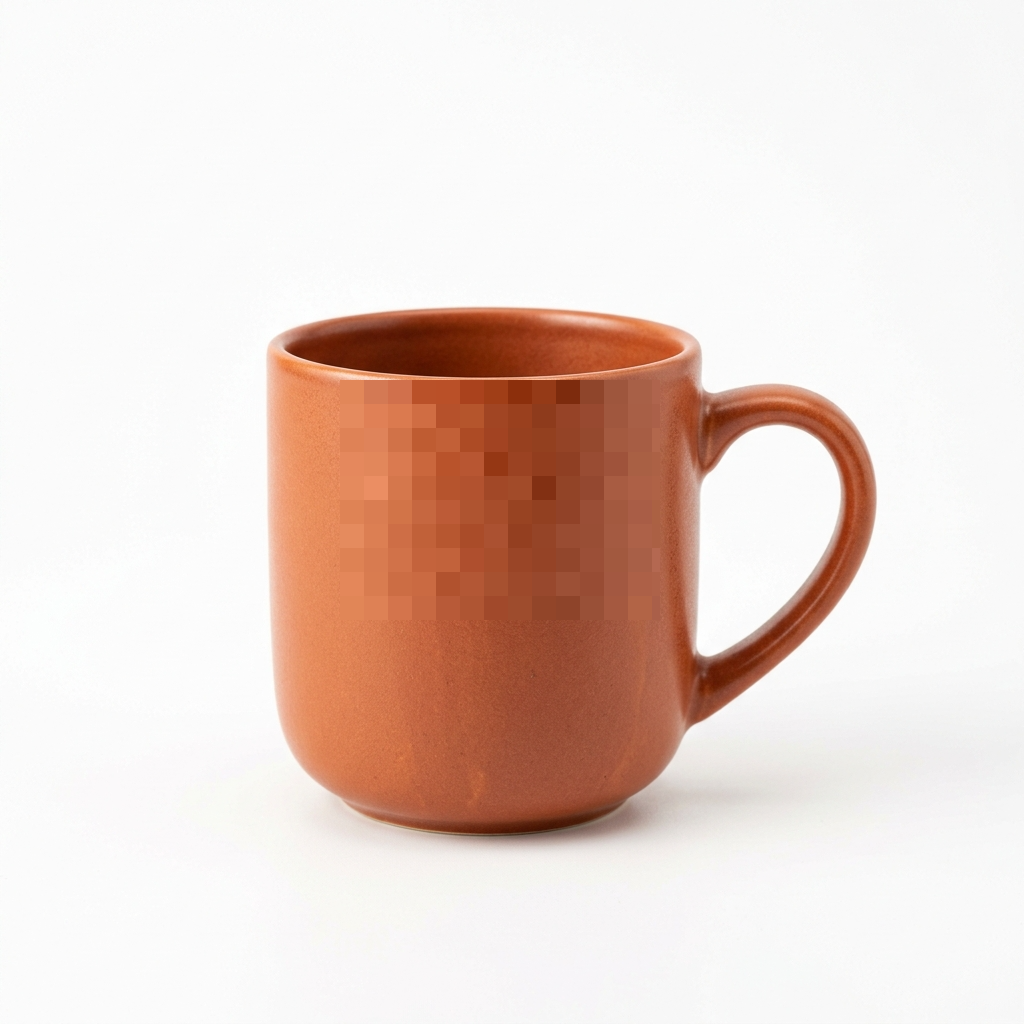
- Faces of Bystanders & Minors: Apply mosaic pixelation or heavy Gaussian blur across faces captured in public street photography or school events before posting to social media.
- Vehicle License Plates: Obscure vehicle registration tags in used car sales listings and automotive forum discussions.
- Internal Workplace Software Screenshots: Hide sensitive client names, internal API secret keys, and confidential database query results before sharing bug reports on GitHub or Slack.
How to Censor a PNG Image in 3 Simple Steps
Upload Your Document
Select or drop any PNG, JPG, or WebP graphic. The file opens instantly in your local browser sandbox.
Drag to Censor
Choose your preferred redaction style (Black Bar, Mosaic Pixelate, Blur, or Whiteout). Click and drag across any sensitive region.
Download Sanitized PNG
Save the permanently redacted image. All underlying pixels are completely replaced with zero possibility of reverse engineering.
Redaction Security: SmallPNGTool vs Standard Methods
| Security Feature | SmallPNGTool Censor | Smartphone Markup Highlighters | Cloud Image Editing Portals |
|---|---|---|---|
| Pixel Data Destruction | 100% Permanent Overwrite | Reversible alpha layers | Overwrites on server |
| Data Transmission Privacy | Zero Uploads (100% In-Browser) | Local device only | Transfers unredacted data to server |
| Styles Available | Black Bar, Pixelate, Blur, Whiteout | Crude pen strokes | Limited redaction options |
| Cost & Sign-Up | Free, No Account Required | Built-in OS | Paid subscription or limits |
Frequently Asked Questions
Can someone remove the black bar or un-blur my censored image? ▼
No, it is mathematically impossible. When you draw a black bar, the underlying RGB values are completely replaced with solid black (0, 0, 0) inside the exported raster image file. There is no hidden layer or reversible undo history saved in the downloaded PNG.
Does this tool upload my confidential documents to your server? ▼
Never. That is the cornerstone of SmallPNGTool: all image manipulation is executed locally in your browser's RAM via JavaScript and HTML5 Canvas. Your sensitive IDs, contracts, and medical scans never leave your computer.
Can I censor multiple different areas on the same image? ▼
Yes! You can draw as many censorship boxes as needed across the canvas. You can also mix styles (e.g. use black bars for account numbers and mosaic pixelation for faces) and use the “Undo” button if you make a mistake.
Which censor style is recommended for text numbers? ▼
For critical text such as credit card numbers or passwords, the classic **Black Bar** or **Whiteout** mode is recommended because it leaves zero optical clues. Mosaic pixelation and blur are ideal for faces and background objects.
Does censoring reduce the resolution of the rest of the image? ▼
No. Uncensored areas remain at 100% bit-for-bit native clarity and resolution without any downscaling or compression loss.