

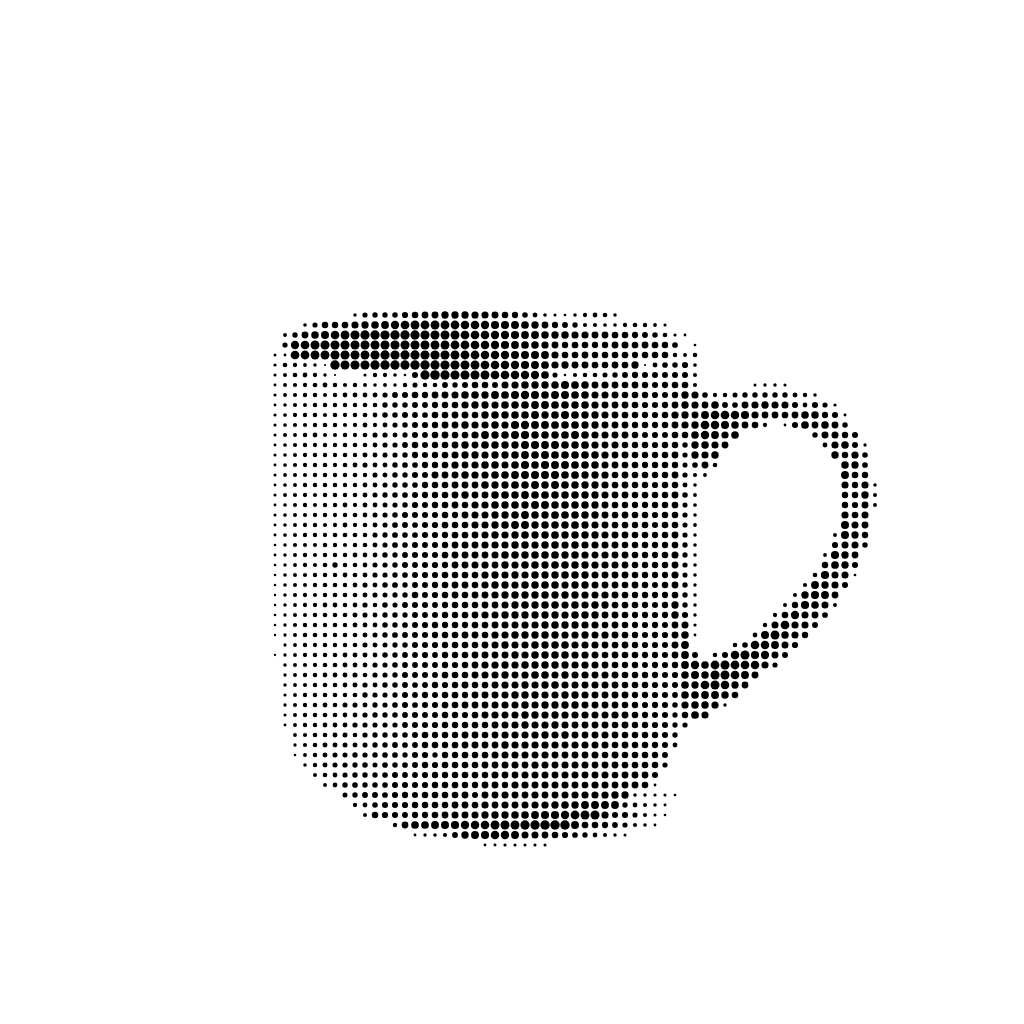
How Halftone Screening and Ben-Day Dots Recreated Continuous Tones
Halftone printing is the reprographic optical illusion that allows modern print machinery to reproduce full-tonal photographs and gradients using only discrete droplets of solid ink. Because traditional rotary printing presses can only stamp solid ink or leave bare paper—with no ability to print “50% light gray ink”—early printers faced an immense technical obstacle.
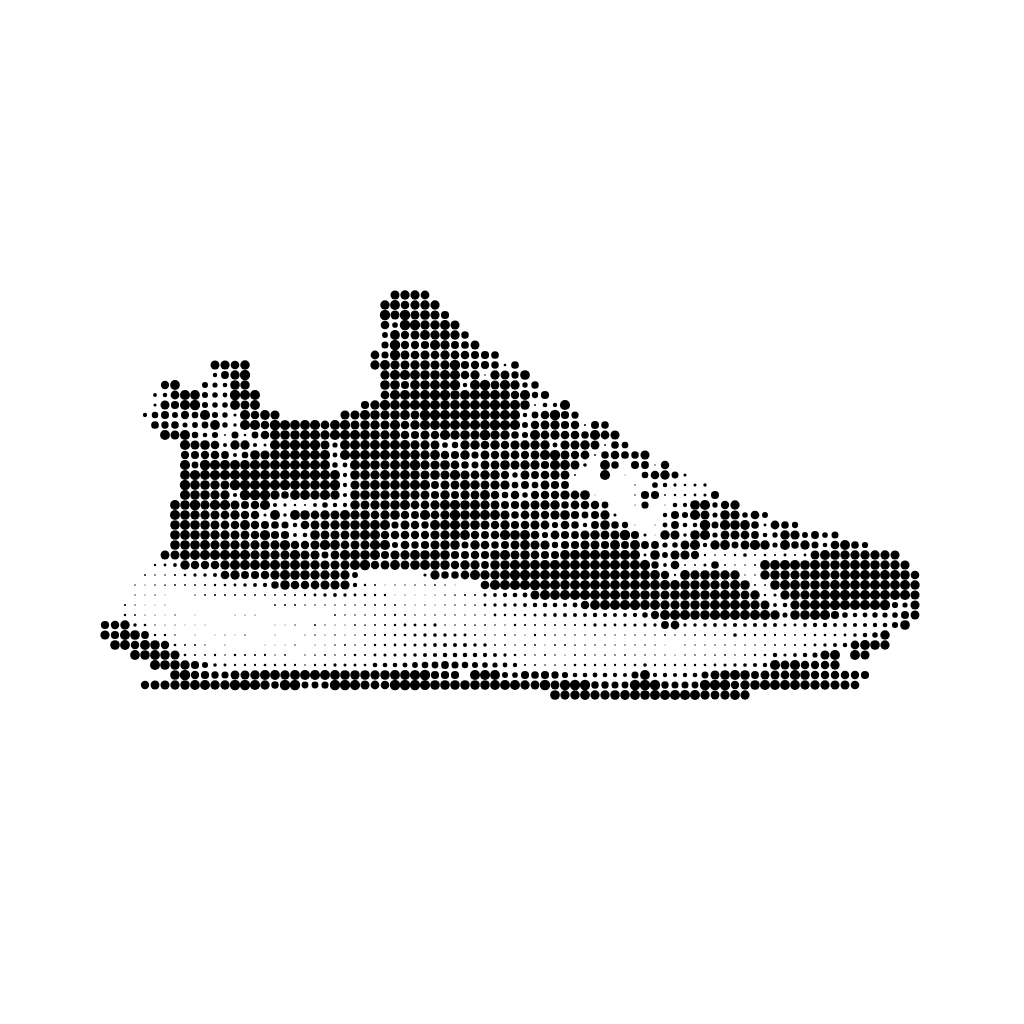
In the 1870s and 1880s, inventors including William Fox Talbot, Georg Meisenbach, and illustrator Benjamin Henry Day Jr. pioneered halftone optical screening. By photographing continuous-tone images through a fine-ruled mesh screen, shadows are converted into dense, large overlapping circular dots, midtones into medium dots, and highlights into tiny pinpricks of ink. Viewed from a normal reading distance, the human eye and brain blend these microscopic dots into smooth, continuous photographic shades. In the mid-20th century, golden-age comic book publishers and Pop Art visionaries like Roy Lichtenstein turned these structural printing dots into an immortal artistic signature.
Contemporary Creative Applications for Halftone Effects
Applying programmatic halftone dot patterns offers distinctive visual impact across modern design mediums:
- Retro Comic Book Illustrations: Recreate vintage 1960s comic panels, graphic novel hero frames, and dramatic superhero action stills.
- Pop Art and Roy Lichtenstein Tributes: Transform portraits and product photography into bold, expressive Pop Art gallery posters.
- Screen Printing & Apparel Merchandise: Screen printers use high-contrast halftone dots to create single-color t-shirt silk-screens with rich photographic depth.
- Underground Zines & Punk Album Covers: Indie bands, skate magazines, and DIY zine publishers embrace gritty, high-contrast newsprint dots for raw analog textures.
- Graphic Design Branding & Hero Banners: Web designers combine transparent halftone cutouts with vivid gradient backgrounds to add sophisticated tactile depth to digital websites.
How to Create a Halftone PNG in 3 Steps
Upload Your Image
Select any photo, portrait, logo, or transparent PNG. High-contrast images produce the most dramatic dot structures.
Adjust Dot Spacing
Slide between 4px (fine vintage newspaper) and 28px (bold comic pop art). Pick classic black ink, cyan, or custom colors.
Download Halftone PNG
Export your completed artwork with transparent background or vintage cream paper directly to your computer.
Halftone Generation: SmallPNGTool vs Desktop Plugins
| Feature | SmallPNGTool | Photoshop Color Halftone Filter | Online Image Converters |
|---|---|---|---|
| Alpha Mask Preservation | Yes (Transparent cutouts preserved) | Flattens layers to solid white | Converts to solid JPEG |
| Live Interactive Preview | Instant real-time slider updates | Modal dialog with blind numeric inputs | Static reload required |
| Privacy & Local Processing | 100% In-Browser (Zero Uploads) | Local software | Files uploaded to cloud server |
| Price & Software | Free, No Registration | Expensive software license | Watermarks or rate limits |
Frequently Asked Questions
Can I keep the background transparent behind the halftone dots? ▼
Yes! By default, the Paper Backdrop is set to “Transparent”. This outputs a clean transparent PNG containing only the ink dots themselves, allowing you to layer them seamlessly over colorful websites, posters, or textures.
How does the dot sizing algorithm work? ▼
The image is divided into a geometric grid determined by your spacing slider. Our algorithm calculates the perceived luminance (brightness) of each cell. Darker areas expand the dot radius to fill the grid, while brighter areas shrink the radius into tiny dots.
What type of photos look best with halftone effects? ▼
High-contrast portraits with dramatic lighting, street photography, architecture, and bold character art look magnificent. You can use the “Ink Contrast Boost” slider to enhance flatter photos.
Are my photos uploaded to any remote server? ▼
No. SmallPNGTool executes completely within your browser sandbox using hardware-accelerated HTML5 Canvas. Your images are never transmitted or stored on any server.
What is the Vintage Newsprint backdrop option? ▼
The Vintage Newsprint option fills the background with a soft warm paper tint (#fbf7ee) mimicking aged wood-pulp newspaper sheets from 1950s daily prints.